In this article
Your New Year’s resolution might have been to start developing for WordPress (opens in a new tab). However, despite the platform’s ease of use, there’s still a learning curve to master. You’ll find there are plenty of resources available to help you begin, but understanding everything involved could prove challenging.
Fortunately, the basics of developing for WordPress are easy to grasp. A number of key elements (such as the way WordPress is coded) can be found on other platforms and coding languages. All in all, getting started with development could take as little as an afternoon.
This post will look at the basics beginner WordPress developers need to know, including the fundamentals of the platform. We’ll then explore some key aspects of WordPress, before giving you some insight into how to begin developing for the platform!
What WordPress Is (And Why You Should Develop For the Platform)
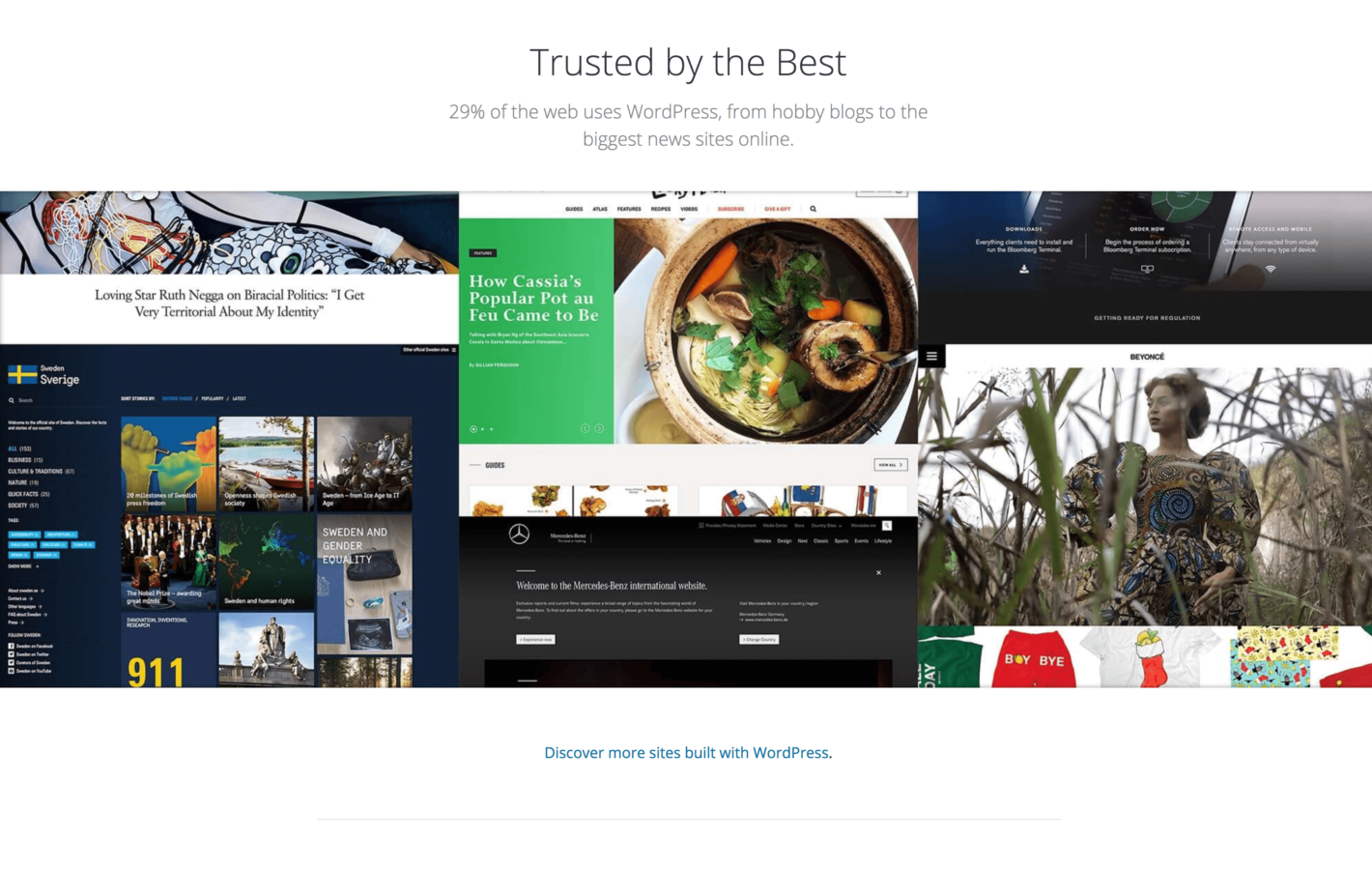
For the uninitiated, WordPress (opens in a new tab) is currently the most popular Content Management System (CMS) available, powering 30% of the entire internet (opens in a new tab). While there’s also a .com site (opens in a new tab) that’s owned and maintained by the same company, they’re very different beasts. Throughout this piece, we’ll be talking purely about self-hosted WordPress.
This platform is coded in PHP (although JavaScript is going to become pertinent (opens in a new tab) in the future as well), the system requirements (opens in a new tab) are not restrictive, and there are countless high-profile sites (opens in a new tab) that use it to great effect. In short, we think WordPress is an excellent way to develop websites for the following key reasons:
- It has an ever-increasing market share.
- The platform is free and open-source.
- At present, it requires PHP knowledge to code, which is quite common.
- There are plenty of resources (opens in a new tab) available to help you along the way.
We’ll focus on that last point for now, as it’s likely the most pertinent to your needs. You can consider the rest of this piece a primer for what to expect when developing for WordPress!
4 Aspects Central to Developing For WordPress
While there are many aspects of WordPress you should learn inside-out, we think the following four should be mastered first. Let’s start with something that everyone, both end users, and developers, can grasp.
1. Themes and Plugins
At its core, WordPress is a collection of PHP files that work together to display your website. So far, so good – but what about customizing the platform? A firm grasp of how both themes and plugins work is crucial when it comes to developing for WordPress. In a broad sense, a theme represents how your site looks, and plugins are used to implement additional functionality. However, there’s much more to the story than that.
Themes are essentially ‘skins’ at a base level – design templates that dictate how the bare-bones of the coding looks, while also offering customizations within WordPress itself (opens in a new tab). This can include colors, fonts, header styles, basic layout tweaks, and much more. In fact, your theme can incorporate virtually anything you can imagine. Plugins, on the other hand, are add-ons that extend the core functionality of the platform. Although they’re not essential per se, some are ‘must-haves’ (opens in a new tab) for any serious website.
We’ll talk more about coding for themes and plugins later on. For now, it’s important to recognize that you’ll need a proficient knowledge of both, and an understanding of how they are connected, in order to become a well-rounded WordPress developer. This is largely because many themes also include plugins that are specific to key functionality.
2. ‘The Loop’
Next up is something tangibly related to developing themes and plugins. As we mentioned earlier, WordPress is a collection of files that work together as a whole. The central pillar to all of this is known as ‘The Loop’ (opens in a new tab).
In short, the Loop is a way to organize all of your home page’s elements – such as the header, sidebar, and footer – into one place. Your other code will slot in somewhere within the Loop, and run during normal operation. This is a vital concept to understand, as practically every piece of code you write will touch the Loop in some way.
At its most basic level, The Loop consists of 11 lines:
First, WordPress fetches the header template. Then it fetches your content in an if loop, before finally fetching the sidebar and footer.
This is a simple example, but as you can imagine, the coding can get very complex as you’re developing a theme. We recommend taking a look at some real-world applications from the WordPress Codex (opens in a new tab), and slowly picking your way through them before beginning to develop on your own.
3. Hooks: Actions and Filters
Within the Loop, you’ll usually notice a number of functions that are used with descriptive names. In WordPress parlance, these are called ‘hooks’ (opens in a new tab), and they’re essentially building blocks for WordPress development. They are functions but can enable you to ‘hook’ into WordPress’ core code without editing it directly. Under the hood, the platform is quite complex, and this is just one neat example of a developer-friendly element that’s quite powerful.
A brief amount of research time will make it clear that hooks are split into actions and filters:
- Action: A specific function executed at certain points within WordPress.
- Filter: Also a function, but associated with a pre-existing action.
If you’re a touch confused, think of it in this way: actions enable you to add or remove data from pre-existing actions (such as deleting a comment or post), whereas filters enable you to replace data within an action (such as a user password change).
Much like the Loop, hooks are crucial to understand because they represent a WordPress best practice for coding. Hooks are also a key part of some essential theme frameworks, which we’ll touch on later.
4. The REST API (opens in a new tab)
Finally, the WordPress Representational State Transfer (REST) API (opens in a new tab) represents the future of the platform. Before its arrival, WordPress was an isolated platform.
Now, the REST API enables WordPress to ‘talk’ with other platforms and languages unrestricted. For example, you could use WordPress purely as a powerful database, while creating a front end in another language entirely. This is a game-changer for many WordPress (and non-platform) developers, mainly because of the lack of restriction.
Given the focus of Torque, we’ve covered the REST API in detail (opens in a new tab) on a number of occasions. You’ll likely want to start by understanding how the REST API can be used (opens in a new tab). Next, keeping tabs (opens in a new tab) on its adoption will help you find new areas to develop for. You can find much more about the REST API on our blog (opens in a new tab), as it’s a topic we’re very interested in!
How to Begin Developing For WordPress
Once you’re comfortable with how WordPress works, its structure, and some of its key elements, you’ll likely be chomping at the bit to begin developing for the platform. Your first concern should be to gather the tools you’ll need for a successful start.
In our opinion, there are three key elements you’ll need:
- A coding editor. Among developers, news of a quality editor travels fast. However, every developer will have their own preferences. Our advice is to test out a number of them (opens in a new tab), before narrowing down your options to one or two. We like Atom (opens in a new tab) because it’s open-source and free, but there are plenty of other stellar options.
- A local development environment. Creating a site offline is possible, and a local WordPress installation is the answer. There are a few strong solutions around, but DesktopServer (opens in a new tab) is a front-runner, mainly because you can set up a fresh WordPress installation in seconds using the smooth interface.
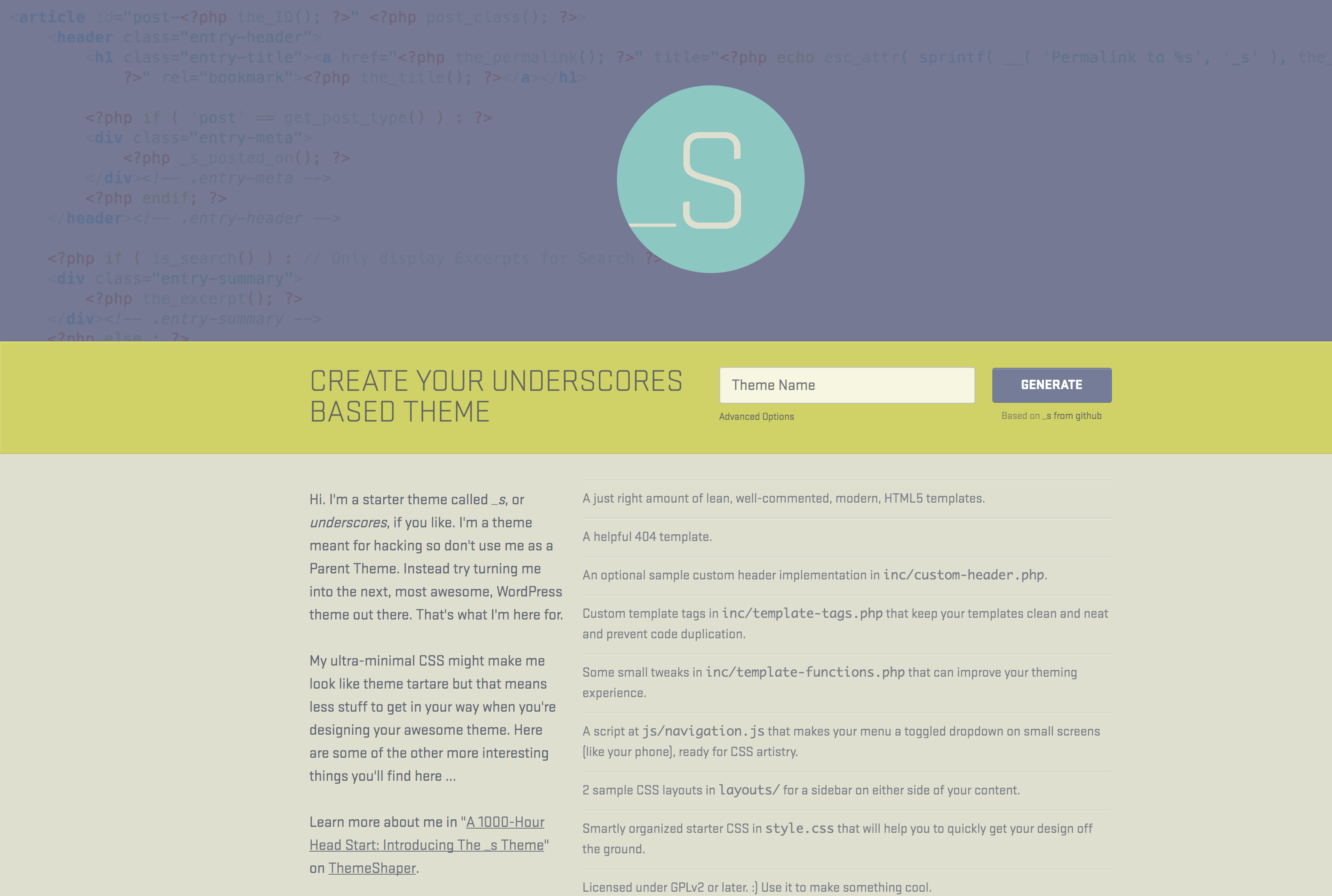
- A selection of starter themes. While this isn’t a necessary step, having a well-coded starter (i.e. ‘bare bones’) theme at your disposal saves you countless hours of development, and gives you a solid base to work from. Underscores (opens in a new tab) is a top option, as it’s maintained by Automattic (the developers of WordPress). We’ve covered how to use this framework (opens in a new tab) previously, and have also looked at some other options (opens in a new tab), including the Genesis framework (opens in a new tab).
Once you have your tools in place, you’ll need to know how to use them. We touched on this earlier, but the Make WordPress website (opens in a new tab) offers loads of documentation on how to develop plugins and themes, use the REST API, and much more. Our advice is to totally assimilate its contents, and pick apart the examples presented.
Finally, we’d be remiss if we didn’t talk about some of the recent development series we’ve written. We’ve taken you through a multi-part series on developing a WordPress plugin (opens in a new tab), for example, and also offer a free e-book on creating a REST API app (opens in a new tab)!
Conclusion
Beginning to code for a new platform is usually a challenge, but WordPress (opens in a new tab) makes this task as simple as possible. Its basic concepts are easy to grasp. Plus, the comprehensive documentation and many useful tools available mean you’ll be up and running in a flash.
In this post, we’ve looked at the very basics of WordPress for the uninitiated and talked about how to develop for the platform. We also took a deeper dive into four key aspects of WordPress:
- What themes and plugins are, and how they’re a part of WordPress’ core infrastructure.
- ‘The Loop’ (opens in a new tab), which is essentially the heart of WordPress.
- How solutions are developed using hooks (opens in a new tab) – actions and filters.
- The REST API (opens in a new tab), which turns WordPress from an isolated platform into part of a fully-integrated web solution.
Do you have any questions about starting your journey as a WordPress developer? Let us know in the comments section below!
Featured image: Liydmyla (opens in a new tab).
John Hughes (opens in a new tab)

John is a blogging addict, WordPress fanatic, and a staff writer for WordCandy.
The post Back to Basics: A New Developer’s Guide to Creating WordPress Products (opens in a new tab) appeared first on Torque (opens in a new tab).