In this article
- What Contributing to WordPress Means
- How You Can Start Contributing to WordPress (3 Ways)
- 1. Improve WordPress’ Documentation
- 2. Help to Develop WordPress’ Core, Themes, and Plugins
- 3. Find Another Area of Interest at the Make WordPress (opens in a new tab) Website
- Conclusion
- John Hughes (opens in a new tab)
WordPress is huge (opens in a new tab), and so is its community. What’s more, WordPress was built on collaboration and has always been welcome to new developers contributing to the project. However, while you may want to help the platform grow even further, it can be hard to know where you could apply your skills.
Fortunately, getting started with WordPress development is easy, regardless of how you’d like to take your first steps. There’s almost certainly a task that will suit you perfectly, whether that’s contributing directly to the WordPress core, testing for bugs, or helping out in one of many other ways.
This piece will look closer at the several different areas of WordPress and how you can start contributing to them. However, first, we’ll talk about what contribution entails, and why you’d want to do it. Let’s dive in!
What Contributing to WordPress Means
Regular readers of the Torque blog will know that we’ve discussed the reasons you’d want to develop using WordPress (opens in a new tab) previously, and also explored some of the misconceptions (opens in a new tab) that can arise about developing for the platform. Rather than repeating ourselves here, we’ll just say that we think WordPress is the future of web development.
There are plenty of recent and future WordPress innovations you may want to get involved with. These include exciting technologies such as the REST API (opens in a new tab) (including how WordPress can become ‘headless’ (opens in a new tab)) and the impending Gutenberg editor (opens in a new tab). In fact, here on the blog Josh Pollock recently looked at (opens in a new tab) how WordPress’ two biggest innovations work with each other to potentially create stunning designs.
For the uninitiated, WordPress’ open-source nature means that everyone can potentially get involved. If you’re a developer, the door opens even wider and enables you to actively contribute not only to the base code, but to documentation, support requests, and more. In the next section, we’re going to talk about the specifics of how to actually contribute to WordPress’ development.
How You Can Start Contributing to WordPress (3 Ways)
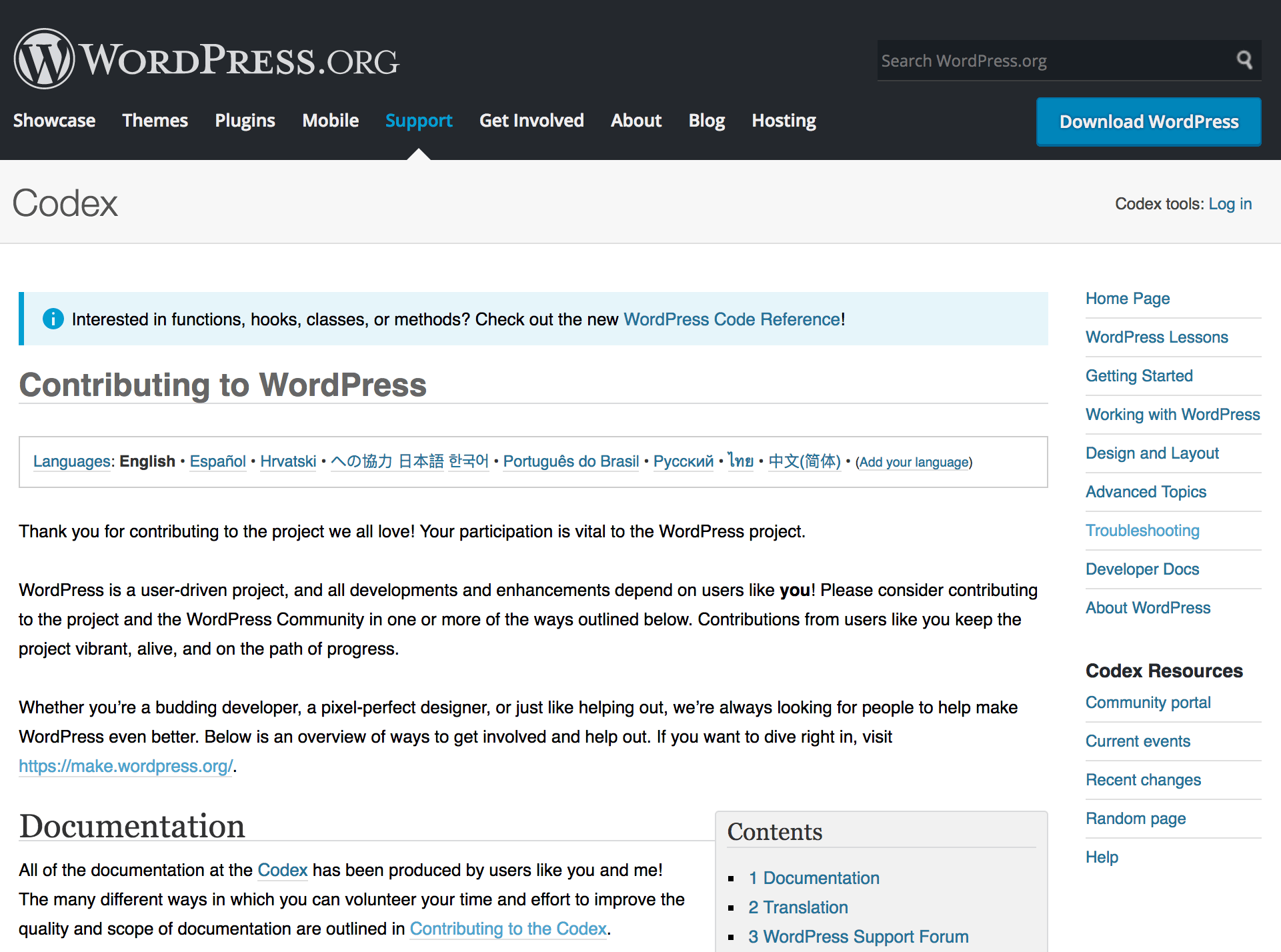
Contributing to WordPress as a developer takes three main forms for first-timers – dive into the Codex (opens in a new tab), work on core platform (opens in a new tab) code, or help out with WordPress’ myriad other areas (opens in a new tab). Let’s take a look at each approach in turn.
1. Improve WordPress’ Documentation
Even if you have no development knowledge, you’ve probably browsed at least one page of the official WordPress Codex (opens in a new tab). This is a community-run initiative that aims to document every aspect of WordPress in a wiki-style format. Think of it as the knowledge base for both the entire WordPress platform, and the user base as a whole.
With this in mind, you can imagine that keeping a project such as this up to date is difficult, especially with WordPress’ update schedule (opens in a new tab). In addition, because the Codex is a community project, there’s an inevitable ‘waxing and waning’ related to which pages and sections are regularly updated. For example, hot WordPress topics such as Gutenberg or the REST API see more attention than esoteric aspects such as specific function calls and hooks.
For this reason, contributing to the WordPress Codex (opens in a new tab) provides immense value to the whole community. Once you’ve signed up, created a user page, and read the guidelines, there are three key areas that need assistance:
- Maintaining and administering (opens in a new tab) to the Codex, including tagging and categorizing pages, and checking recent changes.
- Creating and managing the content itself, including translation and editing the example code.
- Involving yourself in the growth and evolution of the Codex. You can do this by joining the dedicated mailing list (opens in a new tab) and the regular group chats (opens in a new tab).
Aside from this, there are plenty of other ways to help the forward movement of WordPress, outlined on a dedicated Codex page (opens in a new tab). We’ll look at some of these over the next couple of sections.
2. Help to Develop WordPress’ Core, Themes, and Plugins
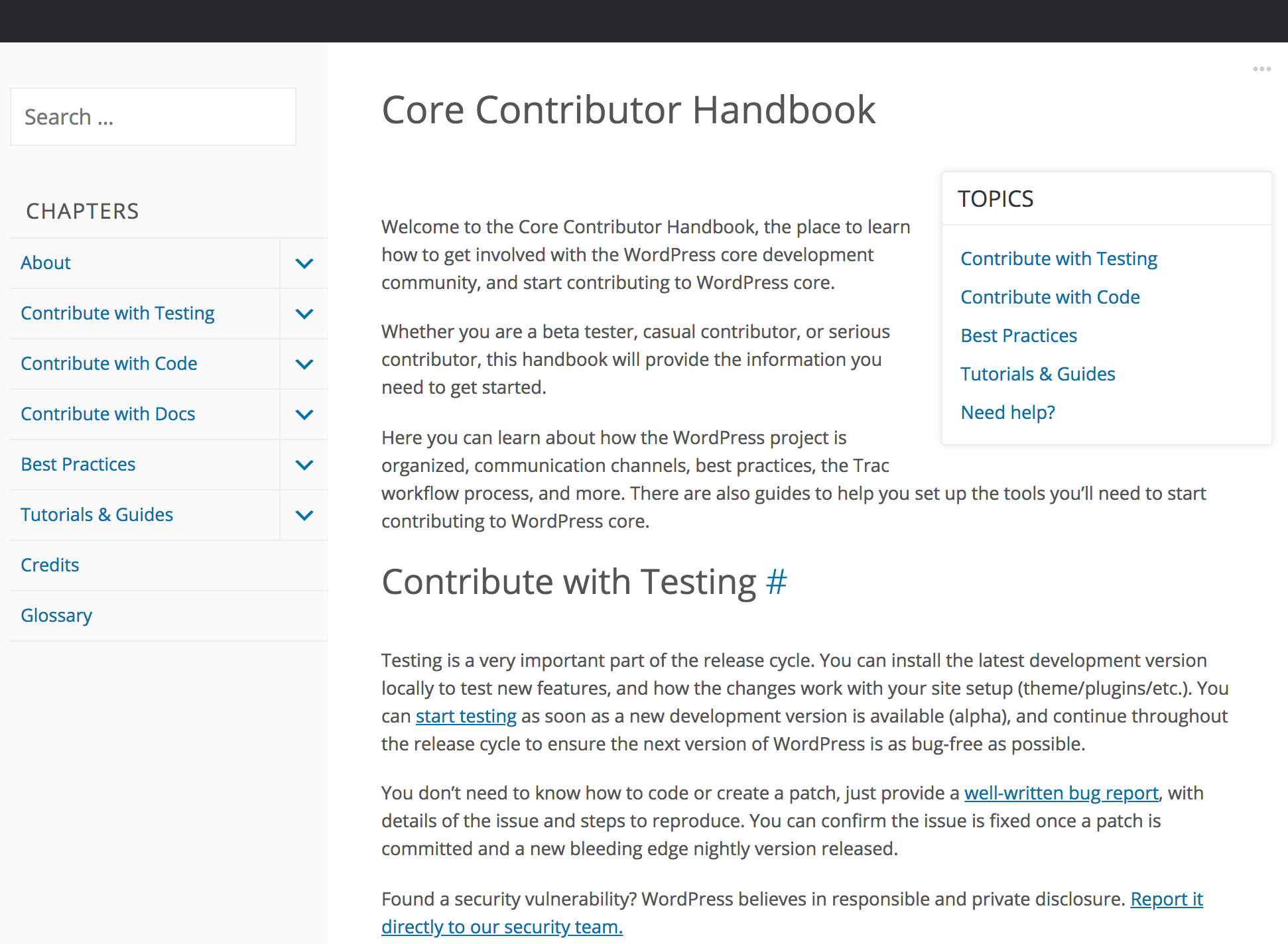
If you’re a WordPress user with development experience, you might want to get your hands dirty under the hood. The open-source nature of the platform means that not only can you develop themes (opens in a new tab) and plugins (opens in a new tab) using WordPress’ own guidance, you can also contribute directly to the platform’s core code. In fact, there’s a document on the Make WordPress site discussing just how to get involved – the Core Contributor Handbook (opens in a new tab).
This resource is practically the bible for contributing code to WordPress. It also introduces the plethora of additional ways developers can lend a hand. This handbook is just one of many (opens in a new tab) covering nearly all aspects of WordPress, such as its design, accessibility, and much more.
Given the far-reaching scope of WordPress, it’s important to make sure everyone contributing to the platform is (literally) on the same page – especially when it comes to core contributions. Even a quick glance at the WordPress’ organization (opens in a new tab) should clue you in to just how large the scope of core contribution can be.
Ultimately, there are three ways to contribute to WordPress’ core:
- Testing the platform (opens in a new tab).
- Writing code (opens in a new tab) that directly improves WordPress’ functionality.
- Updating the associated documentation (opens in a new tab) that helps make the platform accessible to others.
We’ve already discussed one aspect of contributing to documentation, but there are also inline and JavaScript file docs to consider. The latter of these is especially important, given WordPress’ move towards a focus on that language (opens in a new tab).
3. Find Another Area of Interest at the Make WordPress (opens in a new tab) Website
It’s worth considering that the platform’s core is just one part of the larger picture, and some of your skills may be transferable to other areas. In fact, depending on your exact skill set, you could contribute at a much higher level than you previously thought.
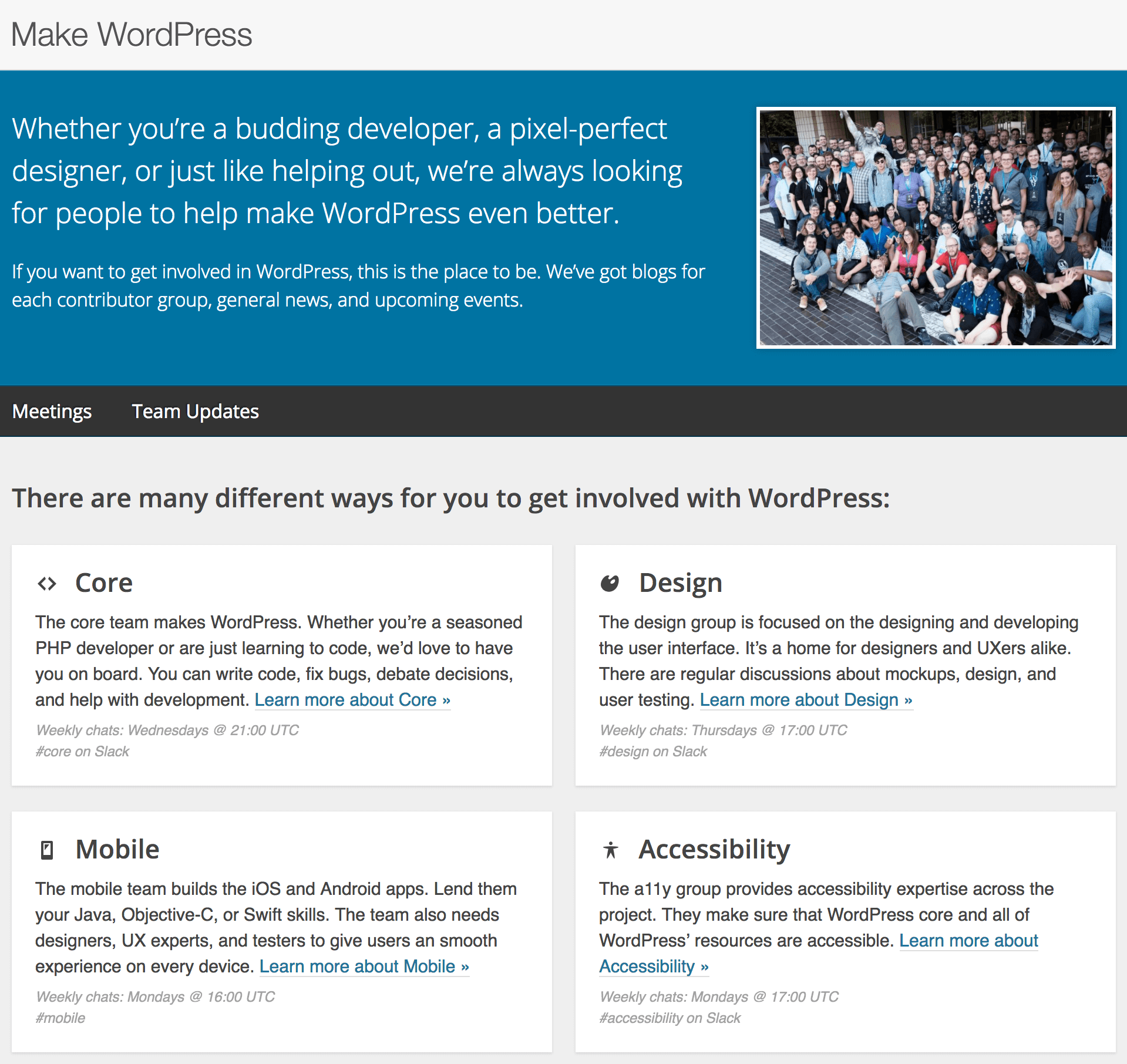
We’ve mentioned the Make WordPress site (opens in a new tab) in previous sections. Now, let’s take a closer look at it. This is essentially the central hub for all areas of WordPress development. You’ll find the various facets of WordPress represented by dedicated teams, specializing in design, accessibility, mobile apps, and more. The Make WordPress site is in a way the endpoint for each area of WordPress, and this makes it an ideal place to find a way to get involved.
For example, the Mobile team (opens in a new tab) is focused on making the WordPress experience smooth on smaller devices. If you read the blurb on the home page, you’ll see that developers with Java, Objective-C, or Swift knowledge are going to be welcomed with open arms. In addition, you may also be interested in the following teams:
- Tide (opens in a new tab). If you’ve ever seen PHP or other compatibility warnings when viewing a plugin or theme on WordPress.org, you’ve met the Tide team. Tide is a series of automated tests run on plugins and themes and is an important part of the approval (and ongoing quality control) process.
- WP-CLI (opens in a new tab). The WordPress Command Line Interface (WP-CLI) is a great way to manage WordPress sites from your Terminal, and the team is constantly striving to make the tool better.
- Test (opens in a new tab). In short, the WordPress Test team “patrols, curates, and tests the WordPress experience” using a Quality Assurance (QA) mindset (opens in a new tab). They study the flow of the entire WordPress ecosystem on as many devices as possible. They also test document, and report on WordPress’ User Experience (UX).
Regardless of your current abilities, there’s going to be an area where your expertise is welcome and wanted. Contributing to one (or more) of the smaller teams might be more beneficial to you than simply focusing on the obvious development areas.
Conclusion
WordPress has cornered the market (opens in a new tab) when it comes to publishing websites, thanks to its collaborative foundation. It’s arguably the most versatile and easy-to-use platform available, with the most welcoming community to boot! With that in mind, offering up your skills by contributing to the platform helps you gain experience for your own projects, and lets you give back to the community you’re a part of.
In this post, we’ve looked at three ways to get involved by contributing to WordPress. Let’s recap them quickly:
- Check out the official Codex page (opens in a new tab) on WordPress contribution to see what’s available.
- Read the Core Contributor Handbook (opens in a new tab) if you’d like to delve into working with WordPress’ core code.
- Take in the different areas that require contribution on the Make WordPress (opens in a new tab) website, and lend a hand.
Do you have any questions about contributing to WordPress? Let us know in the comments section below!
Featured image: jonasjovaisis (opens in a new tab).
John Hughes (opens in a new tab)

John is a blogging addict, WordPress fanatic, and a staff writer for WordCandy.
The post A First-Time Developer’s Guide for Contributing to WordPress (opens in a new tab) appeared first on Torque (opens in a new tab).